 |
 |
 |



Create funny images with FacePalm!
Transform your friends into grim looking monsters or funny grimaces.
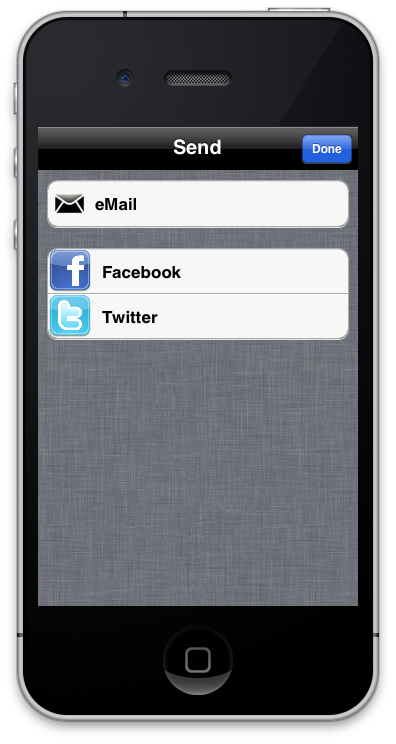
Just apply one or more of the many image filters and post the result to facebook or twitter.
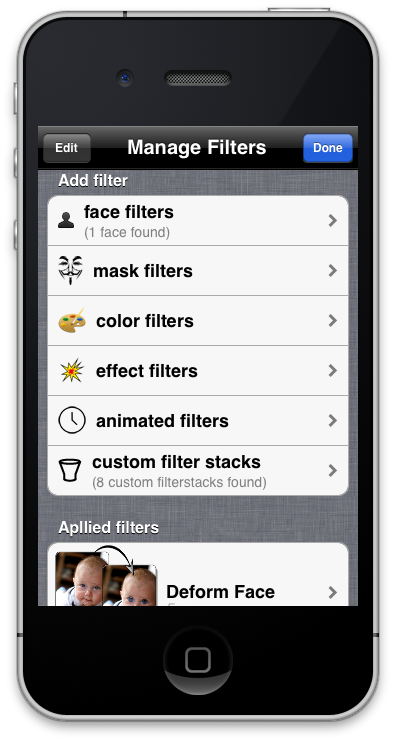
FacePalm! includes many color filters, face filters, effect filters, mask filters and even animated filters. Combine them as you like and even save your custom filter stacks and use them later again to receive the same effect on different images.
Just take a look at the screenshots to see some of the many possible effects you can create with FacePalm! And even more will come with future updates.
Choose from 5 different types of filters:

face filters:

|
 |
|
|
|
|
|
|
|
|

|
|

|
|
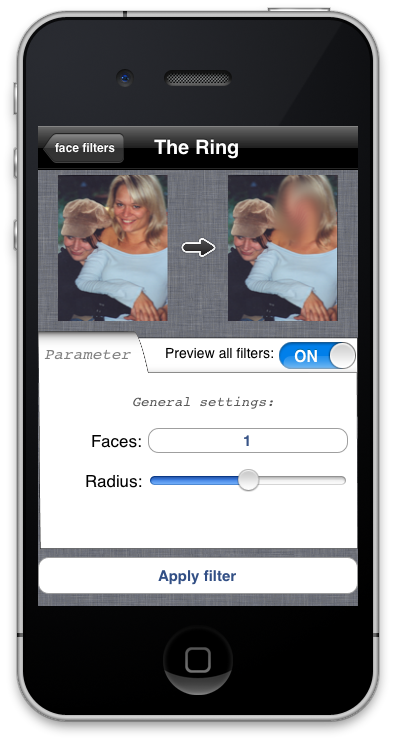
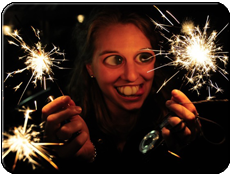
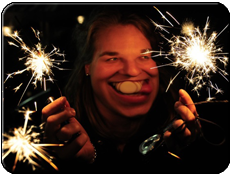
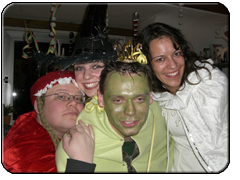
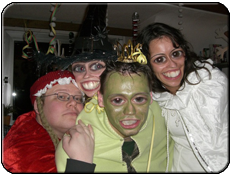
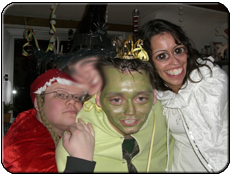
(Click on a picture to enlarge) Facefilters detect faces in your images and can be applied to the eyes, mouth or the whole face. So different facefilters can be applied to different faces in the same image. |
animated filters:
 |
|
 |
|
|
 |
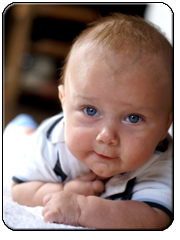
Animated filters create an animated gif-file. |
||
mask filters:
|
|
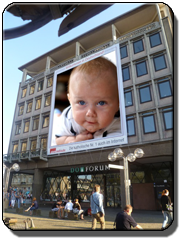 |
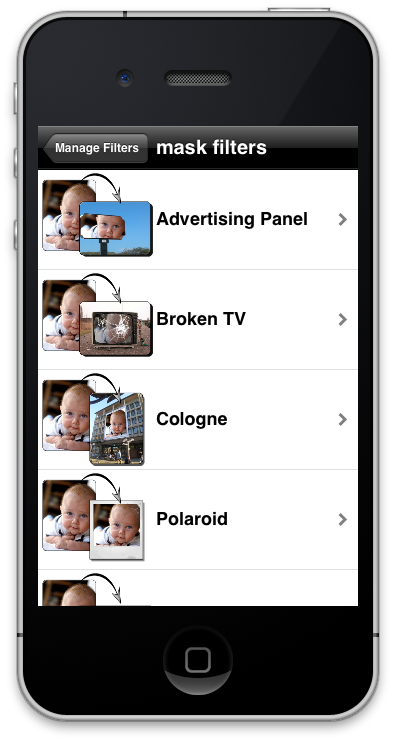
Mask filter mount your image into a predefined mask. |
||
color filters:
|
|
 |
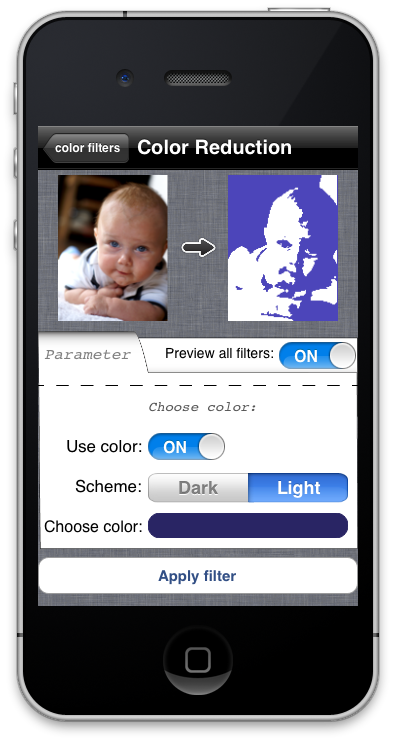
Colorfilters change the color composition of you image. |
||
effect filters:
|
|
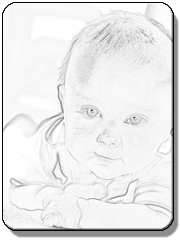 |
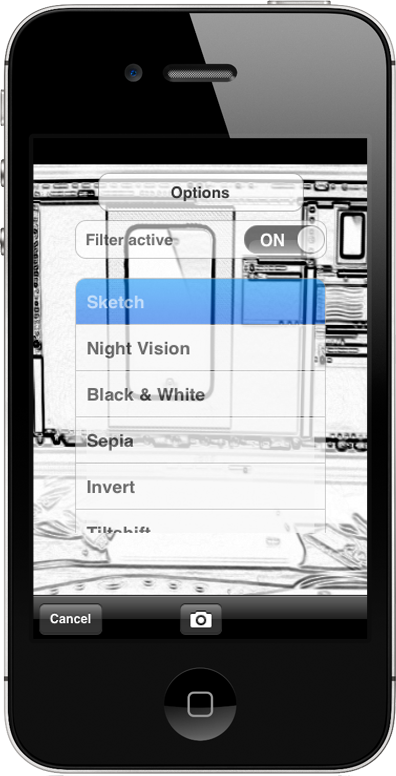
Effectfilters for example can add text to your image, convert it into a pencil drawing or apply a night vision effect to it. |
||
custom filter stacks:
 |
|
 |
 |
|
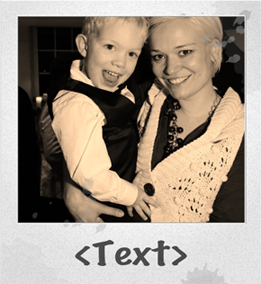 |
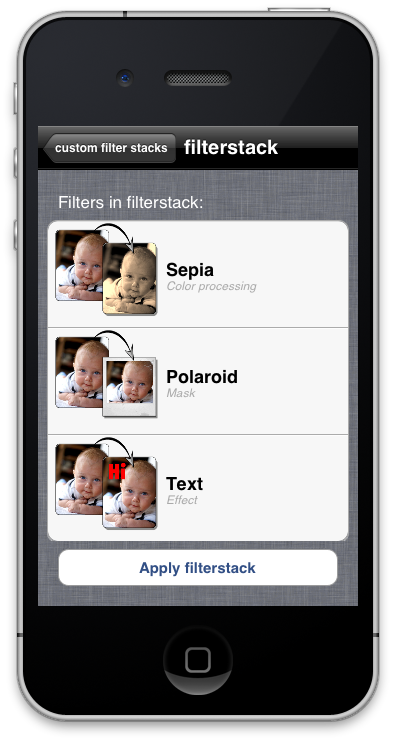
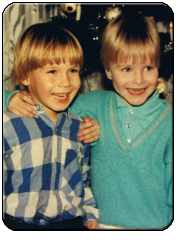
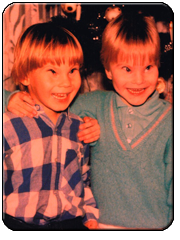
Applied filters can be saved in a custom filter stack and be reused in another image. It is even possible to apply a filter stack to every new image automatically. |
||